

POLYON
Delete your POLYON AI account
How to delete your POLYON AI account and what happens to your data.
This page explains how to delete your account in the POLYON AI app ("Polyon AI : All in One AI" on Google Play, developer PICSZIO, S.A.P.I. de C.V.) and what happens to your data.
Option 1: Delete your account in the app
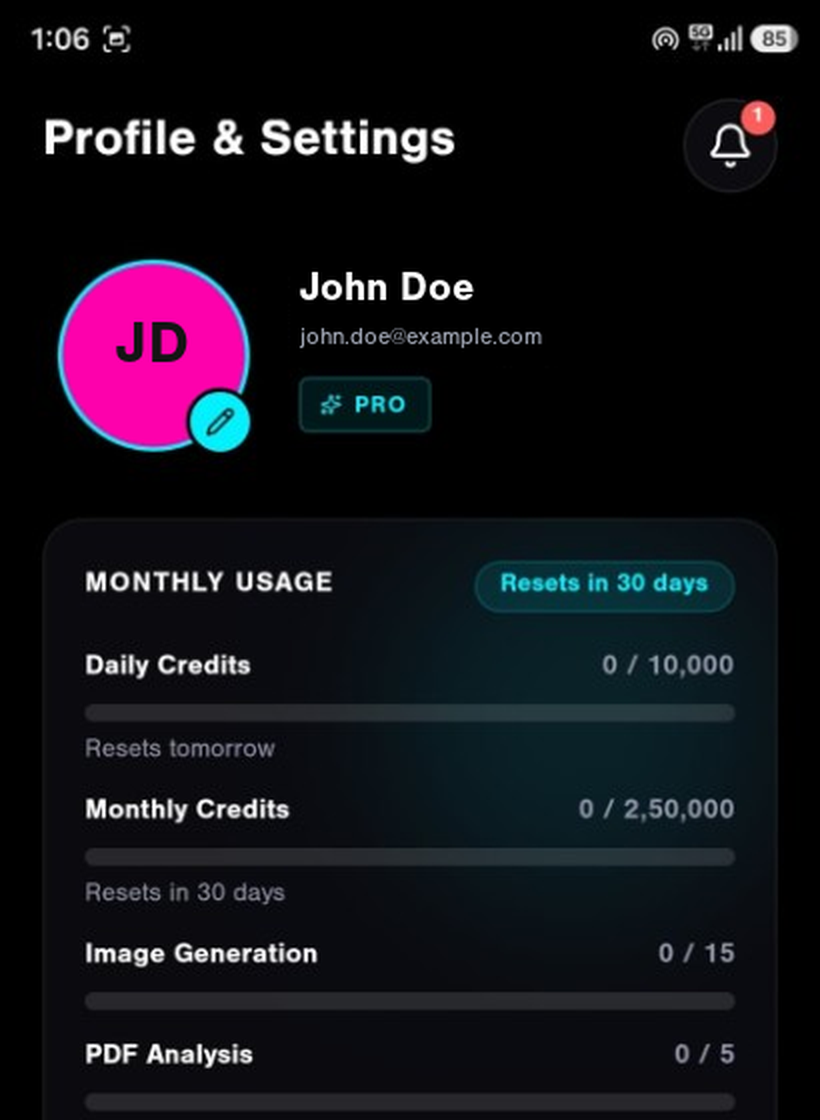
- Open the POLYON AI app and sign in.
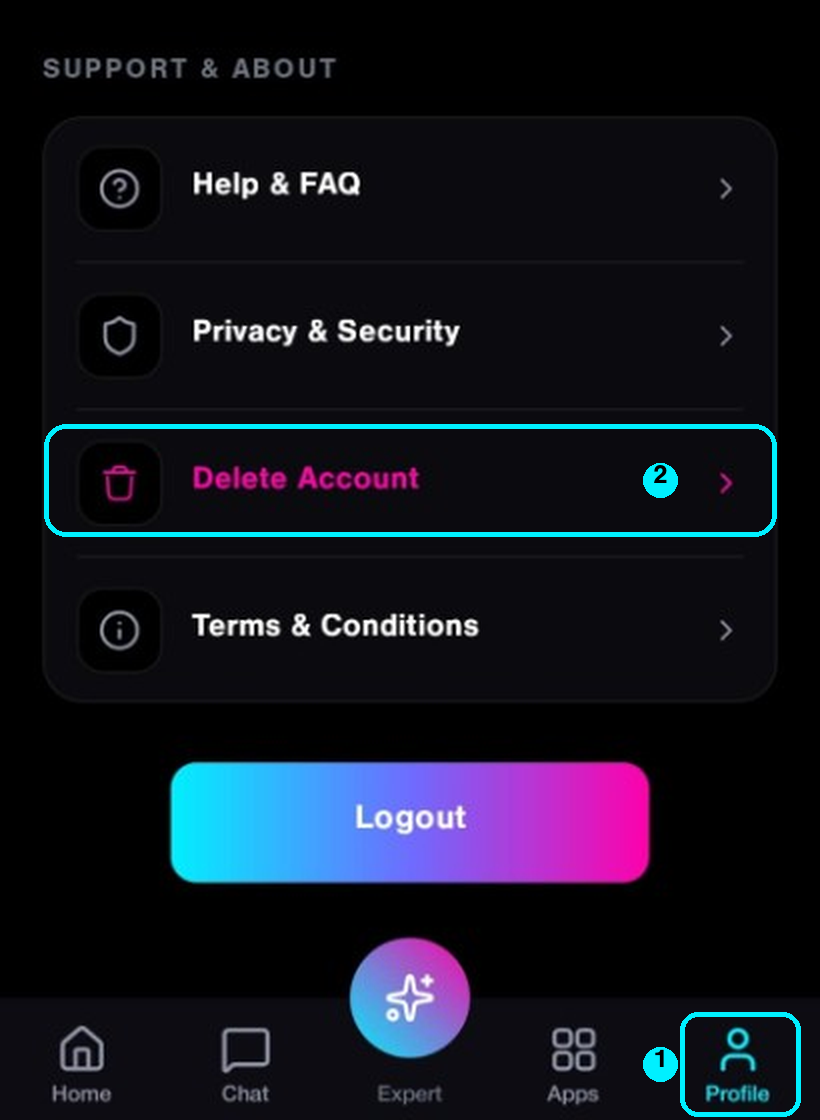
- Tap Profile at the bottom right of the screen.
- Scroll down to Support & About and tap Delete Account.
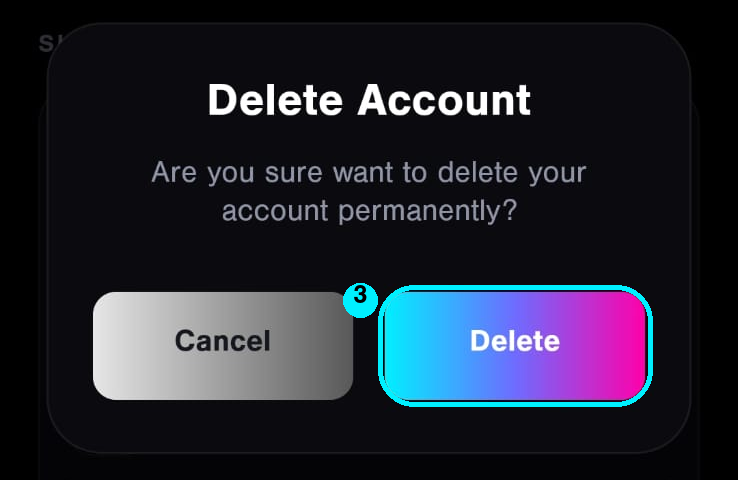
- Tap Delete to confirm.
- Enter your password (or verify with Google or Apple if you signed in with them) and tap Delete My Account.
You are signed out on all devices straight away.
Option 2: Ask us by email (no app needed)
Email support@polyon.ai from the email address of your POLYON account, with the subject "Delete my account". We confirm your request and delete the account within 30 days.
What is deleted
- Your account and profile (name, email, photo, date of birth, gender)
- Your chats, AI conversation history and uploaded files, images and videos
- Your saved memory and personal settings
- Your connected apps (they are disconnected)
What we keep, and for how long
- Billing and purchase records: kept for 7 years, because tax and accounting law requires it.
- Backups: removed within 30 days as backups roll over.
- Your email address: cannot be used to sign up again for 15 days after deletion.
Subscriptions
Deleting your account does not cancel a Google Play subscription. To stop being charged, cancel it in Google Play → Profile → Payments & subscriptions → Subscriptions.
Questions
Email support@polyon.ai. See also our Privacy Policy and Terms.